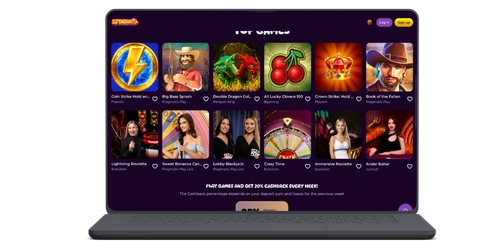
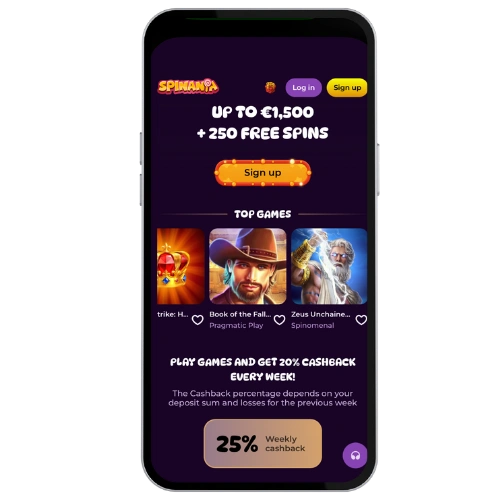
How to Install the App on Android
Android users must download the APK directly from the official website because we’re not on the Google Play Store. Don’t let that put you off — it’s a pretty simple process:
- Access the official Spinania Casino website using your Android phon
- Locate the application download section and tap to download the APK file
- Go to your phone’s Settings, then Security and turn on “Install from unknown sources”
- Open the APK file downloaded and tap Install software
- Once it’s done, open the application icon and login to start playing
The Spinania mobile APK is compatible with 6.0 and above Android. Installation takes less than two minutes after the file is downloaded. If your phone asks you to confirm the downloading from an unknown source, just confirm — it’s our official file.